
WordCraft
WordCraft: Private, powerful writing for every platform
Gallery
About
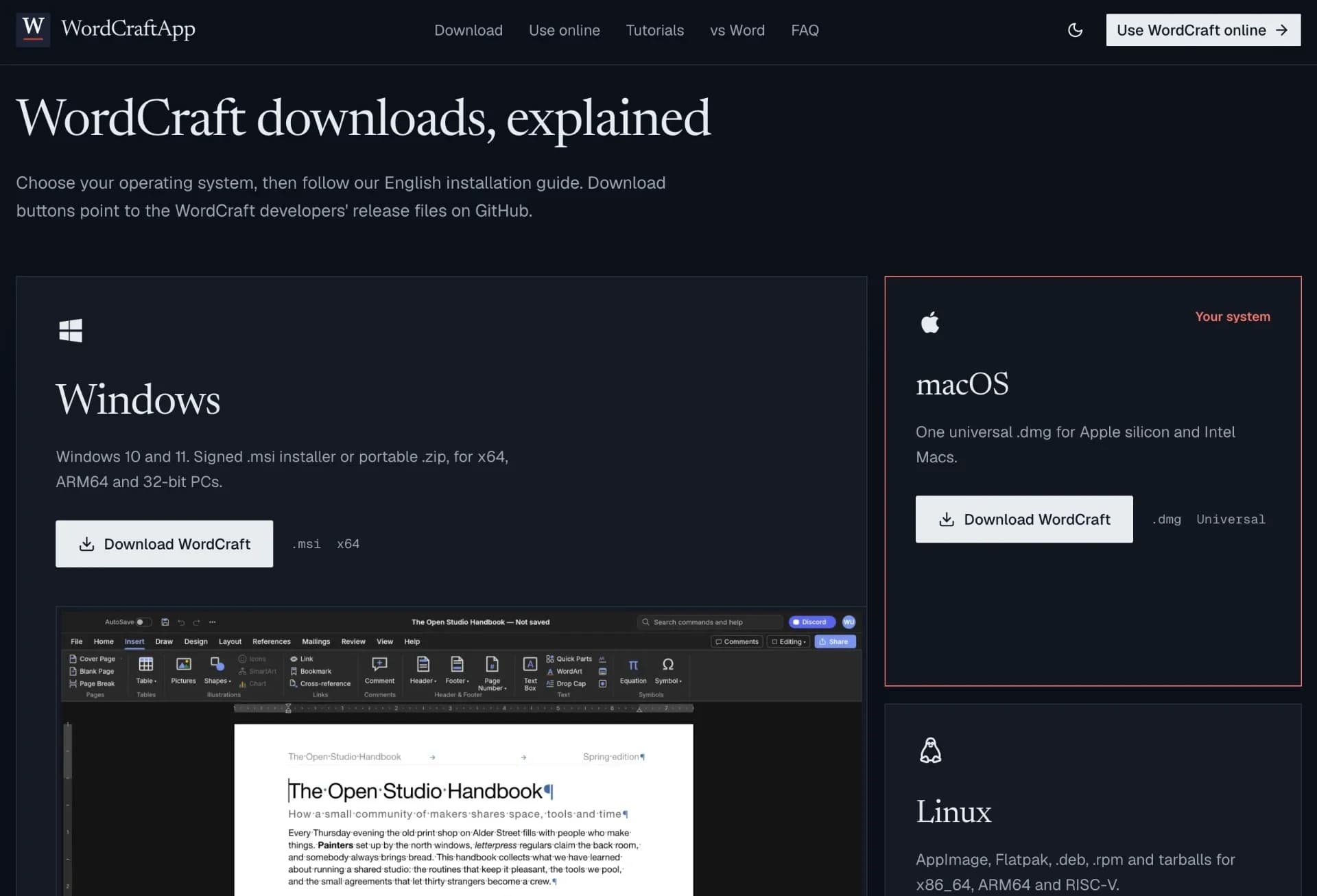
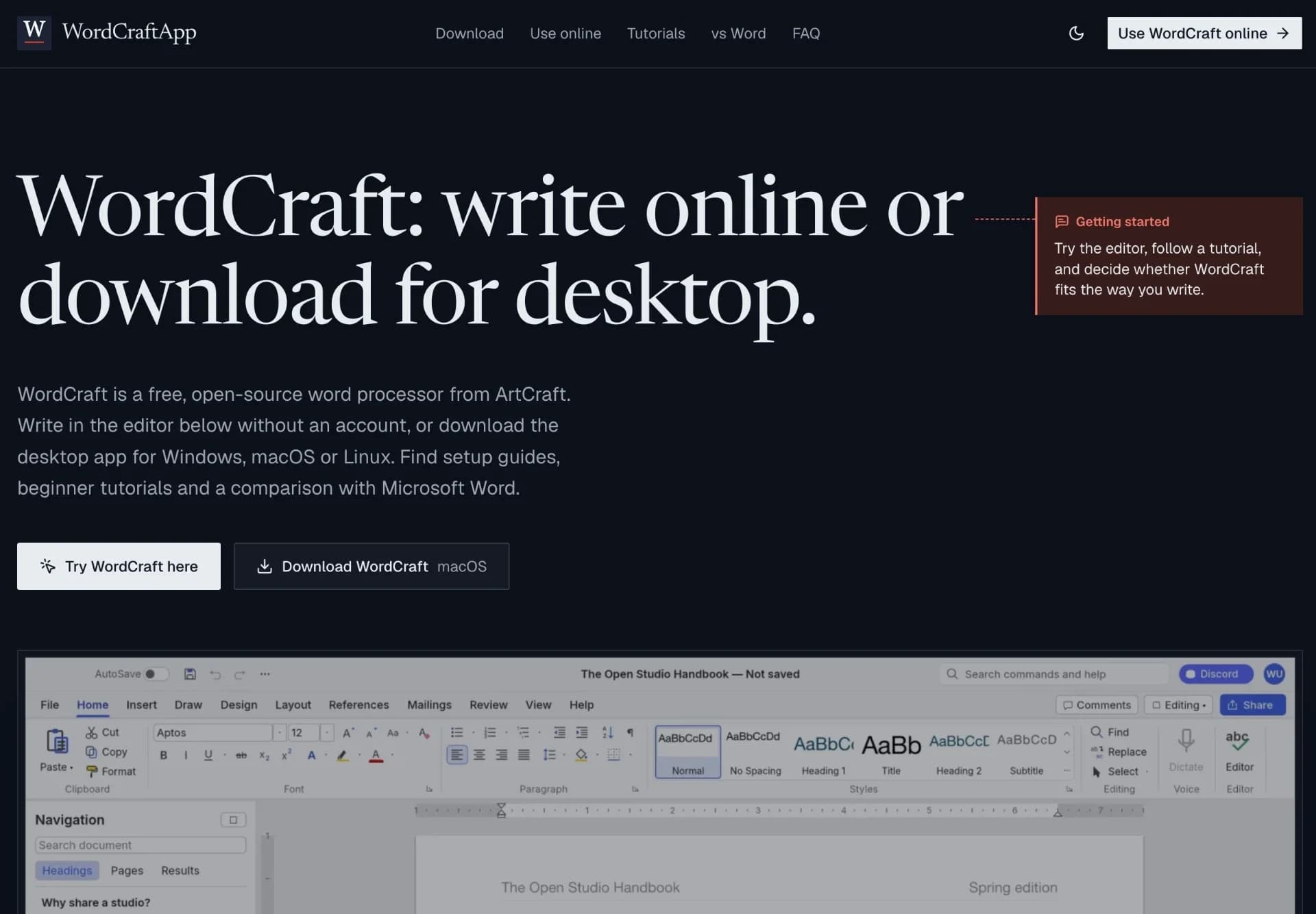
WordCraft is a free, open-source word processor developed by ArtCraft for users who want a capable, private, and flexible alternative to Microsoft Word. It can be used directly in a web browser without an account or installed on Windows, macOS, Linux, and FreeBSD for offline writing.
The application provides a familiar ribbon-style interface with tools for text formatting, styles, tables, navigation, review, spelling and grammar support, references, citations, footnotes, indexes, captions, themes, page layout, watermarks, borders, and automatic hyphenation. It supports opening and saving .docx files, while also importing and exporting formats such as .doc, .odt, .rtf, .html, .md, .tex, and .txt. Users can also export documents as searchable PDFs.
Privacy is a central feature: writing and editing functions run locally, with no subscription, account, or mandatory cloud upload. WordCraft is released under the MIT or Apache-2.0 license, allowing users to inspect and reuse its open-source code.
Designed with automation in mind, WordCraft offers scriptable commands through its ribbon, command-line interface, JSON control channel, and MCP server. Although it remains an alpha project and may not yet match Microsoft Word’s maturity, collaboration features, or compatibility with complex documents, it is a promising choice for everyday writing, document editing, offline work, and AI-assisted workflows.
Discussion (0)
Log in to join the discussion
No comments yet. Be the first to share your thoughts!
Makers
Henry Hughes
@wordcraftWordCraft is a free, open-source word processor by ArtCraft. It runs in browsers and on Windows, macOS, Linux, and FreeBSD. With familiar ribbon tools, .docx support, offline privacy, formatting, tables, references, reviews, and AI-ready automation, WordCraft offers a flexible alternative to Microsoft Word for everyday writing.


